
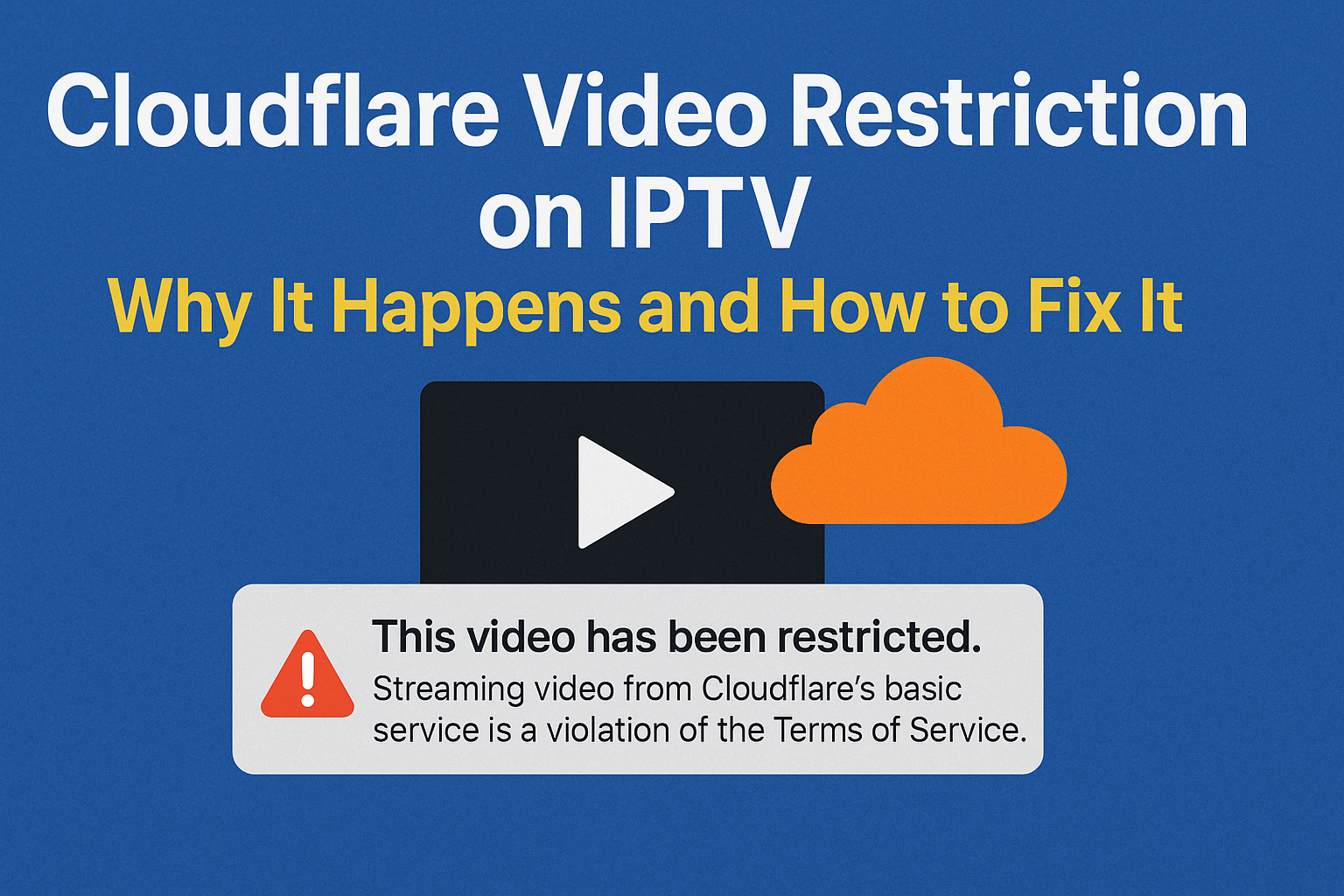
Many IPTV users in the UK see a sudden error on their screen:
This video has been restricted. Streaming video from Cloudflare’s basic service is a violation of the Terms of Service.
If this appears out of nowhere, don’t worry. Your device, app, and WiFi are fine. This issue almost always comes from the server side, not your setup at home.
I’ll walk you through why this happens, what you can do, and how your IPTV provider should fix it.
Why Cloudflare Blocks IPTV Domains
Most IPTV servers use Cloudflare for protection against attacks and to hide the real server IP. The problem is simple. Cloudflare’s basic plan isn’t made for constant video streaming. When Cloudflare detects heavy, nonstop data flow from a domain, it assumes the domain is being used for streaming copyrighted material.
When that happens, Cloudflare restricts the domain instantly to protect itself from legal risk.
This is why you see the restriction message even though your IPTV Subscription UK is active and paid for. The domain your provider uses has been flagged.
What Causes the Trigger
A few patterns usually set it off:
• High traffic on popular channels
• Too many users pulling stream data at the same time
• Providers using Cloudflare’s free or basic plan
• Repeated requests from IPTV apps that look like streaming bots
Once Cloudflare flags the domain, the streams connected to that domain stop working until the provider fixes it.
What You Can Do as a User
There’s nothing wrong with your IPTV app or device. Restarting won’t fix it. Changing DNS or installing a VPN rarely helps with this specific issue.
The only effective step is:
Contact your IPTV provider and request a new domain or ask them to reset their Cloudflare setup.
That’s it. You don’t need to change anything else.
If you bought service from a reliable IPTV Reseller UK, the provider will already be rotating domains and solving this quickly.
What the Provider Must Fix
The solution is completely on the server side:
• Replace the Cloudflare-protected domain with a fresh one
• Move to a streaming-compliant CDN
• Reconfigure Cloudflare settings or upgrade their plan
• Remove rules that trigger Cloudflare’s automated blocking
Once the provider updates the domain, your IPTV service starts working again immediately.
Why Some IPTV Providers Get This Often
If your provider uses a low-cost setup and depends on Cloudflare’s free tier, this issue will keep repeating. Serious IPTV services rotate domains often, manage traffic properly, and never rely on free CDN protection for streams.
This is one reason many users in the UK move to more stable options like B1G IPTV, which keeps backup domains ready so customers don’t face downtime.
How to Avoid This Problem in the Future
A few signs that your IPTV provider is stable:
• They offer instant domain replacement when needed
• They use reliable CDNs instead of cheap workarounds
• They provide consistent support
• They have strong UK-based routing for fast streams
If your current subscription keeps failing due to Cloudflare restrictions, consider switching to a trusted IPTV Subscription UK provider with proper infrastructure.
Need a Stable IPTV Service?
If someone is searching for help with this Cloudflare issue, chances are their provider isn’t managing their domains well.
You can switch to a stable service like B1G IPTV, which is built to avoid repeated interruptions and gives you a clean, fast, reliable IPTV experience.
FAQs About Cloudflare Video Restriction on IPTV
1. Why is my IPTV showing “This video has been restricted by Cloudflare”?
This message appears when your IPTV provider’s domain gets flagged by Cloudflare for heavy streaming traffic. It’s not a problem with your device. The provider must replace or reset their Cloudflare domain.
2. How do I fix Cloudflare streaming restrictions on IPTV?
You can’t fix it from your side. Contact your IPTV provider and ask for a new domain or a Cloudflare reset. Once they update the domain, your IPTV starts working normally again.
3. Does this Cloudflare error mean my IPTV subscription expired?
No. Your IPTV Subscription UK is still active. The issue is on the provider’s server side and has nothing to do with your payment or account.
4. Why do IPTV providers use Cloudflare?
Providers use Cloudflare to protect their servers and hide IP addresses.
5. Will changing DNS or VPN fix the Cloudflare IPTV restriction?
No. DNS changes, VPNs, or app reinstalling won’t fix this specific problem. Only the provider can solve it by updating their domain.
6. Is Cloudflare blocking IPTV permanently?
No. The block is temporary. Once the provider replaces the domain or upgrades Cloudflare settings, the service comes back online.
7. Why does my IPTV keep stopping even after the provider fixes it?
If your provider depends on Cloudflare’s free or basic plan, this problem can return. A stable provider like B1G IPTV uses better routing and backup domains to avoid repeated downtime.
8. Can Cloudflare block only certain IPTV channels?
Yes. Sometimes only high-traffic streams get restricted, while others still work. But if the domain is heavily flagged, the whole portal may stop working.
9. Is my IPTV app broken because of this error?
No. Your IPTV app or box is fine. The issue is completely outside your device.
10. How long does it take for IPTV providers to fix Cloudflare blocking?
Most good IPTV resellers update domains within minutes. Poorly managed providers take longer or may ignore customer requests.
11. Why do UK IPTV users face this issue more often?
UK users rely on high-demand sports and premium channels. These streams generate heavy data loads that trigger Cloudflare’s automated restrictions more frequently.
12. What should I ask my IPTV provider when this error appears?
Request:
“Please provide a new working domain. The Cloudflare-protected domain is restricted.”
Ask if they also have backup portals or CDN routes available.
13. Can this issue be fully prevented?
Yes, with a stable IPTV provider that doesn’t rely on weak Cloudflare settings. Providers like IPTV Reseller UK and B1G IPTV use multiple domains and balanced infrastructure to avoid domain blocks.
14. Is it safe to use IPTV when Cloudflare blocks the domain?
Yes. The restriction is not a safety threat. It simply means Cloudflare detected streaming patterns it doesn’t allow on basic plans.
15. Does Cloudflare block legal and illegal streams the same way?
Cloudflare doesn’t check content legality. It only sees data patterns. If the domain behaves like a streaming service, it flags it—even if the content is legal.